

How to Fix Docker Container OOM Kills (Exit Code 137) in Python AI Deployments
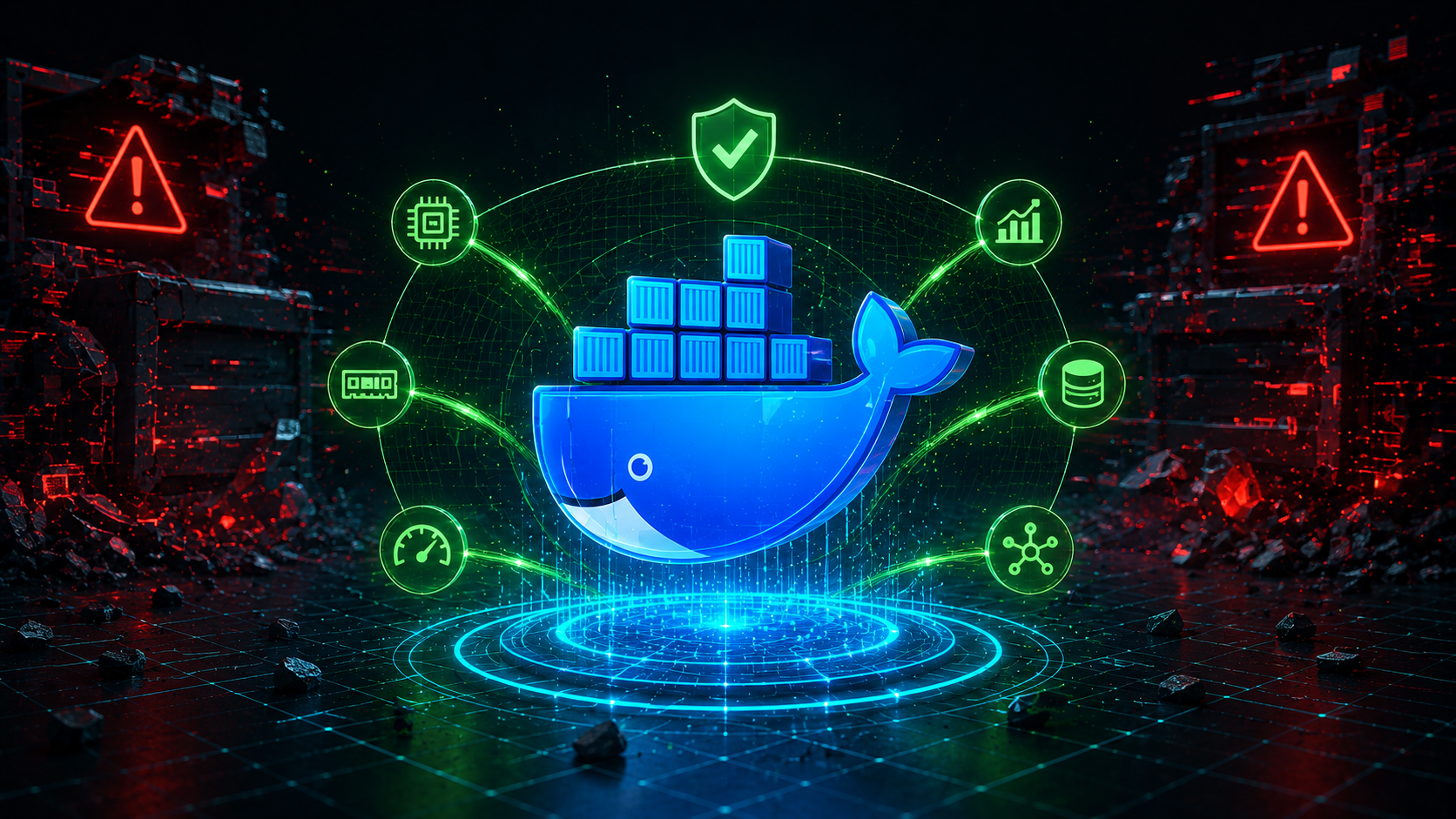
Deploying heavy Python generative AI applications or data science models inside Docker containers is standard cloud infrastructure practice. However, engineering teams frequently hit a critical deployment failure during runtime scaling: Docker container crashes triggered by an Out-of-Memory (OOM) event, explicitly logged as Exit Code 137. Docker Exit Code 137
Exit Code 137 indicates that the host operating system’s kernel infrastructure forcefully terminated the isolated Docker process because the container’s memory consumption breached its hard allocation limits. When processing heavy LLM pipelines, token embedding matrix calculations, or massive data batches, memory utilization spikes instantly, causing the OOM killer to step in. Docker Exit Code 137
How to Fix Docker OOM Exit Code 137 in Python Applications
Why Standard Docker Configurations Crash Under AI Workloads
By default, if a container run layer doesn’t have strict resource limits configured, it will greedily consume the host system’s RAM. In containerized environments like Kubernetes or AWS ECS, strict memory thresholds are enforced. If your Python workers spawn multiple parallel processes (like using high worker limits in Uvicorn or Gunicorn), each worker clones the memory footprint, triggering a systemic pipeline collapse. Docker Exit Code 137
The Production Fix: Multi-Stage Optimization and Memory Bounds
To prevent containerized Python AI microservices from getting OOM killed, you must manage worker concurrency dynamically and explicitly configure the shared memory footprint allocation. Update your standard deployment layout using this production-grade Dockerfile and multi-process worker configuration blueprint: Docker Exit Code 137
# --- Stage 1: Build Layer to reduce final image bloat ---
FROM python:3.11-slim AS builder

WORKDIR /app

RUN apt-get update && apt-get install -y --no-install-recommends \
    build-essential \
    && rm -rf /var/lib/apt/lists/*

COPY requirements.txt .
# Install dependencies into a localized wheel directory layer
RUN pip install --no-cache-dir --user -r requirements.txt

# --- Stage 2: Crisp Production Runtime Layer ---
FROM python:3.11-slim AS runner

WORKDIR /app

# Copy system dependencies from builder block safely
COPY --from=builder /root/.local /root/.local
COPY . .

ENV PATH=/root/.local/bin:$PATH
ENV PYTHONUNBUFFERED=1

# Production Tuning: Limit worker concurrency to prevent RAM multiplying cascades
# Formula: (2 * CPU Cores) + 1 is too high for AI; use tight bounds in constrained containers
ENV WEB_CONCURRENCY=2

EXPOSE 8000

# Execute server using explicit environment variables bounding the system execution loop
CMD ["uvicorn", "main:app", "--host", "0.0.0.0", "--port", "8000", "--workers", "2"]
Comprehensive Microservice Infrastructure Validation
Mitigating container termination codes keeps your cloud-native orchestration layer highly stable. However, if your application continues to crash due to internal resource leaks before the system kernel even intercepts the container, you must inspect your internal script loops. Audit your code management architectures by checking our detailed framework guide on Fixing Python Pandas Memory Leaks.
Additionally, ensure your background scheduling tasks aren’t stalling out and keeping zombie processes active. Review our blueprint on Resolving Python asyncio Timeout Exceptions or optimize your decoupled transmission gates by studying our guide on Preventing Express.js Pipeline Gateway Timeouts.
When configuring full-stack microservices or AI monorepos, build commands can sometimes fail across multiple packages. If you run into build pipeline issues with pnpm, check our guide on how to fix ERR_PNPM_RECURSIVE_EXEC_FIRST_FAIL in Turborepo.
## Troubleshooting Memory Spikes in PyTorch & CUDA Workloads
When hosting generative AI models or LLM tokenizers in Docker containers, worker processes often exceed allocated RAM during initial model loading. To mitigate abrupt kernel termination:
* **Use Shared Memory Allocation:** Ensure Docker flags include `–shm-size=2gb` to prevent PyTorch dataloaders from choking default IPC memory.
* **Stream Token Generation:** Instead of loading full context windows into system memory at once, stream model output to keep peak allocation bounded.
* **Set Garbage Collection Thresholds:** Explicitly call `gc.collect()` after processing heavy inference batches in Python script execution loops.
## Monitoring Docker Container Memory Usage in Production
To prevent unexpected Docker Exit Code 137 crashes before they disrupt production users, set up continuous container resource monitoring.
### 1. Check Real-Time Memory Consumption
Run the native Docker stats CLI tool to observe live RAM utilization across running containers:
“`bash
docker stats –format “table {{.Name}}\t{{.MemUsage}}\t{{.MemPerc}}”
2. Configure Automatic Restart Policies
While optimizing memory bounds is essential, configuring container healthchecks ensures fast automated recovery if an OOM event occurs:
services:
  ai-api-service:
    build: .
    restart: unless-stopped
    deploy:
      resources:
        limits:
          memory: 4G
        reservations:
          memory: 2G
Frequently Asked Questions (FAQ)
What is the difference between Docker Exit Code 137 and Exit Code 139?
Exit Code 137 indicates that the Linux kernel OOM Killer forcefully terminated the process due to exceeding memory allocation limits. Exit Code 139 indicates a Segmentation Fault, which typically occurs when C-extensions (like OpenCV or PyTorch native binaries) attempt to access unallocated memory space.
Why does Python AI memory usage keep growing inside Docker?
Python relies on automatic reference counting and garbage collection. In multi-threaded Uvicorn or Gunicorn deployments, worker processes spawn sub-processes that hold references to heavy PyTorch weights or NumPy arrays. Explicitly clearing unused tensors and forcing garbage collection prevents steady memory leakage.