


How to Fix Mongoose Connection Buffering Timeout Errors in Production
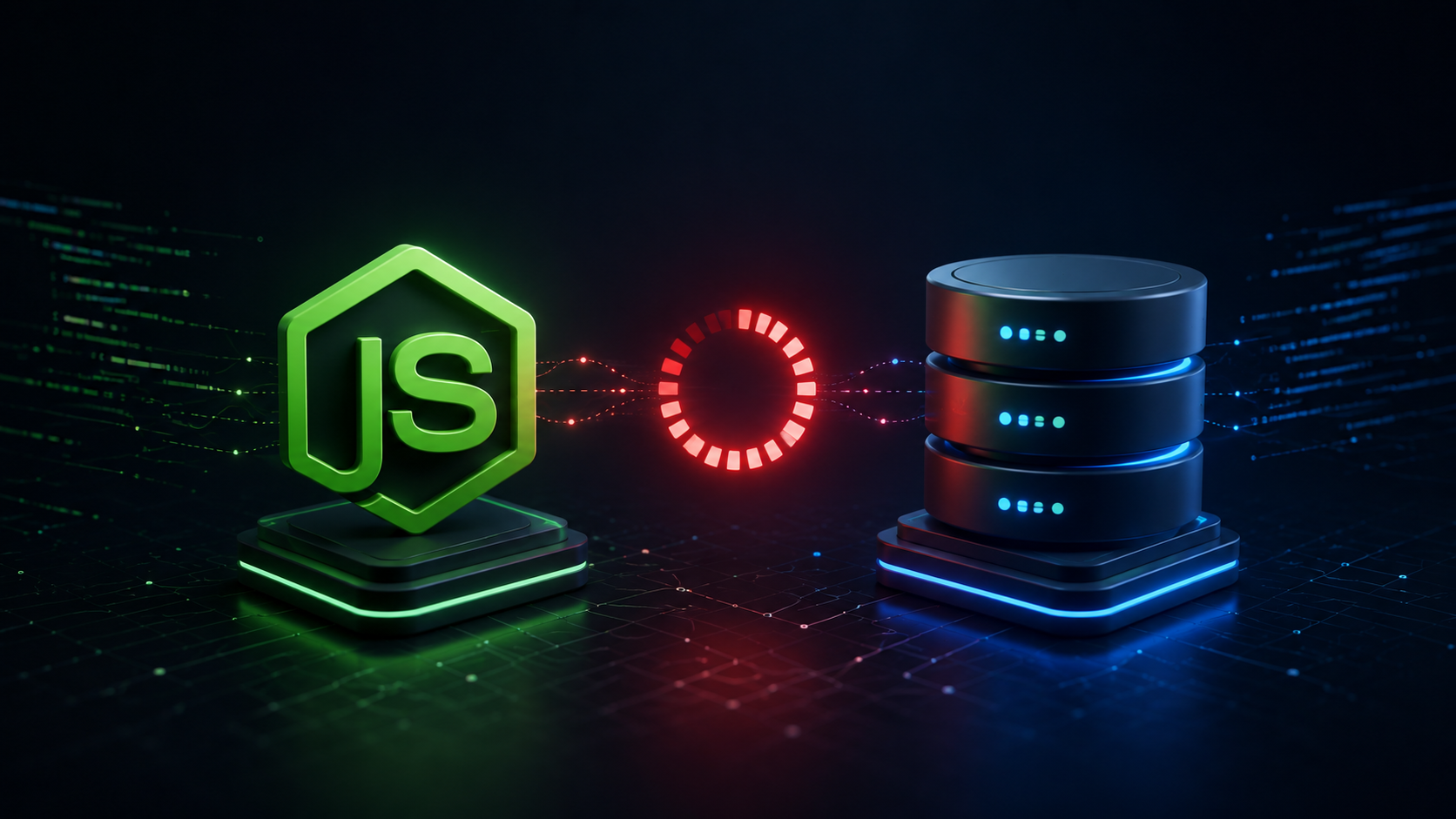
In production Node.js environments, encountering the dreaded MongooseError: Operation buffering timed out after 10000ms is a critical bottleneck that can instantly stall your API gateway. This happens because Mongoose, by default, utilizes an internal command queue that buffers database operations before the underlying driver completes its connection handshake.
While query buffering is useful during local development—allowing you to trigger queries before mongoose.connect() resolves—it poses a massive risk in production. If your cluster connection takes too long, drops unexpectedly, or encounters network latency, unexecuted queries pool in memory until the buffer overflows and triggers a fatal timeout error.
Why Does Mongoose Connection Buffering Fail in Production?
When you trigger a database operation immediately upon server initialization, Mongoose does not crash if the database isn’t linked yet. Instead, it holds those commands in an internal queue governed by the bufferCommands setting.
However, in high-concurrency production setups or serverless environments (such as AWS Lambda, Vercel, or Docker containers), this behavior leads to critical failures:
Memory Saturation: High traffic volumes rapidly fill Node.js memory with pending database operations.
Cascading Timeout Errors: When the default 10-second buffer window expires, every queued request fails simultaneously, crashing active client connections.
Silent Stalling: Instead of providing immediate feedback to health monitoring tools, your application idles until memory leaks force a hard process failure.
The Production Solution: Disable Command Buffering
To prevent memory leaks and enforce a resilient fail-fast architecture in production, you must explicitly disable global command buffering and set explicit connection limits.
Update your main configuration file (usually server.js or app.js) with this production-grade connection setup:
const mongoose = require('mongoose');

// Rigorous production configuration object
const dbOptions = {
  autoIndex: false,               // Disable automatic index builds for optimal startup performance
  bufferCommands: false,          // Stop buffering queries; fail fast if connection is offline
  serverSelectionTimeoutMS: 5000, // Fail after 5 seconds instead of hanging indefinitely
  socketTimeoutMS: 45000,         // Close inactive sockets after 45 seconds
  family: 4                       // Force IPv4 resolution to prevent IPv6 routing delays
};

const connectDB = async () => {
  try {
    await mongoose.connect(process.env.MONGO_URI, dbOptions);
    console.log('Mongoose production cluster linked successfully.');
  } catch (err) {
    console.error('Mongoose critical connection failure:', err.message);
    // Explicitly exit execution process on failure so process managers (e.g., PM2, Docker) can restart
    process.exit(1);
  }
};

connectDB();
Handling Mongoose Runtime Connection Events
Disabling command buffering protects your app during initial cold starts. However, to handle mid-execution drops when hosting on distributed cloud clusters, you must register lifecycle event listeners on the mongoose.connection object.
Add these event handlers to monitor database health dynamically:
const db = mongoose.connection;

// Log error events occurring during active database runtime
db.on('error', (err) => {
  console.error('Mongoose runtime connection error:', err);
});

// Detect network drops and state changes
db.on('disconnected', () => {
  console.warn('Mongoose disconnected from MongoDB cluster. Attempting reconnection...');
});

db.on('reconnected', () => {
  console.log('Mongoose successfully reconnected to MongoDB cluster.');
});
Essential Internal Link & Network Troubleshooting
If disabling bufferCommands immediately throws runtime error codes instead of idling, you are no longer dealing with an internal application timing mismatch. Your Node stack is hitting external infrastructure blocks.
To resolve network-layer connection issues:
Verify Connection Strings: Check your database URI formatting and secret environment keys using our guide on How to Secure MongoDB Atlas Connection Strings.
Whitelist Server IPs: Ensure your hosting provider’s static IP or IP range is allowed in your MongoDB Atlas access controls. Use our dedicated MongoDB Atlas Connection Timeout Fix to configure network rules cleanly.
Firewall Settings: Confirm that your host server allows outbound TCP traffic on port
27017.
Extended Reading: Handling Query Execution Timeouts
If your application resolves initial connection buffering but continues to fail during heavy data extraction or batch processing, your queries may be hitting database cursor limits. For long-running queries and heavy data processing, check out our in-depth guide on How to Fix MongoDB Cursor Timeouts in Large Aggregation Pipelines to learn how to adjust batch sizes and prevent cursor expiration safely.
Serverless & Vercel Connection Optimization
If you are hosting your Node.js API on serverless infrastructure like Vercel or AWS Lambda, connection buffering timeouts often happen alongside connection pool exhaustion caused by frequent cold starts. Read our guide on Mongoose Connection Pooling in Vercel Serverless to properly configure connection reuse and prevent socket drops in ephemeral environments

2 thoughts on “How to Fix Mongoose Connection Buffering Timeout Errors in Production”