

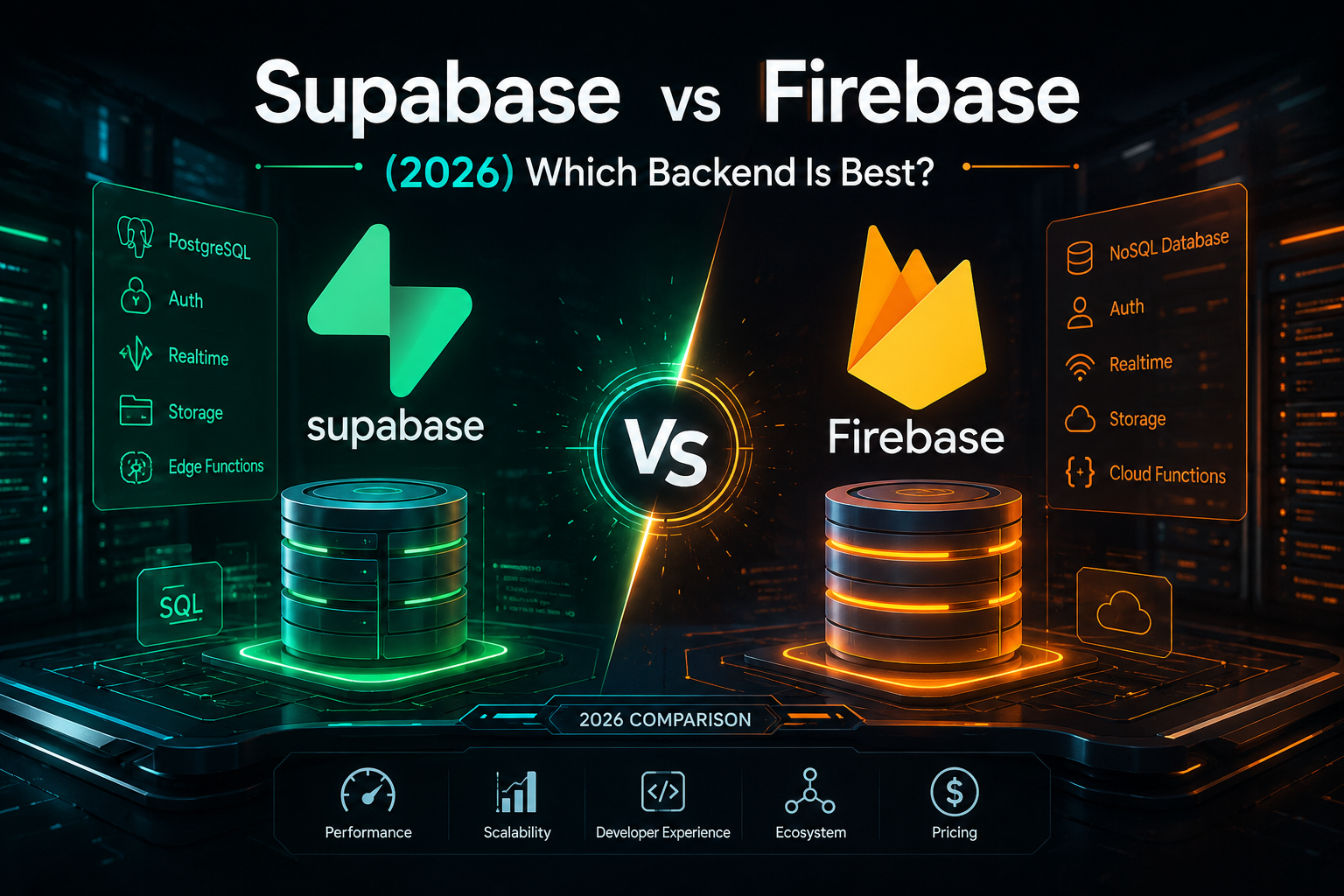
Supabase vs Firebase (2026) Performance, Costs & Real Verdict
📌 Article Overview:
- Topic: Backend Infrastructure & Database Selection
- Prerequisites: Basic knowledge of SQL, NoSQL, and REST APIs
- Estimated Read Time: 6 Mins
⚡ Quick Verdict (TL;DR):
Choose Supabase if: You need structured SQL (PostgreSQL), full open-source data ownership (zero vendor lock-in), native AI vector support (
pgvector), and predictable monthly compute costs.Choose Firebase if: You are building a fast mobile MVP (iOS/Android), need NoSQL document storage, out-of-the-box offline sync, and deep Google ecosystem integrations (Analytics, Crashlytics, AdMob).
Choosing between Supabase vs Firebase for your next web app used to be simple, but today it feels like a high-stakes gamble. Pick the wrong database architecture early on, and you could find yourself trapped in vendor lock-in, rewriting your entire codebase, or staring at a massive, unexpected cloud bill at the end of the month.
If you are deciding between Supabase vs Firebase, you are not alone. Thousands of developers and startup founders are asking the exact same question right now: Should you stick with Google’s battle-tested, NoSQL app platform, or switch to the open-source, SQL-powered alternative that has taken the developer ecosystem by storm?
In this comprehensive guide, we will break down Supabase and Firebase across pricing, performance, database architecture, security, and developer experience. By the end, you will know exactly which platform fits your stack and long-term scaling strategy.
At a Glance: Key Differences
If you need a quick side-by-side snapshot before diving into the details, here is how the two platforms stack up:
1. Supabase vs Firebase Database Architecture (SQL vs. NoSQL)
The single most fundamental difference between Supabase vs Firebase lies in how they store, structure, and query your application data.
+-------------------------------------------------------------+
|                     DATABASE ARCHITECTURE                   |
+------------------------------+------------------------------+
|           SUPABASE           |           FIREBASE           |
|                              |                              |
|   Relational (PostgreSQL)    |     Document-Based (NoSQL)   |
|   - Tables, Rows, Columns    |   - Collections & Documents  |
|   - Complex SQL & Joins      |   - No Native Joins          |
|   - Strict Schemas & Types   |   - Schema-less Flexibility  |
+------------------------------+------------------------------+
Supabase: The Power of PostgreSQL
Supabase is built directly on top of PostgreSQL, one of the world’s most powerful, stable, and feature-rich relational database engines.
If your application relies on structured data with complex relationships—such as e-commerce platforms, SaaS platforms with multi-tenant workspaces, or financial tracking tools—Supabase handles complex JOIN operations natively. You get ACID compliance out of the box, meaning your data remains strictly validated and accurate across all transactions.
Additionally, because Supabase uses standard Postgres, you aren’t locked into custom query APIs. You can write raw SQL queries, build database triggers, use stored procedures, or interface through popular ORMs like Prisma, Drizzle, or TypeORM seamlessly.
Firebase: Flexible NoSQL Document Storage
Firebase’s flagship database, Cloud Firestore, is a document-oriented NoSQL database. Data is organized into collections, documents, and sub-collections.
The biggest advantage of Firestore is its flexibility. You don’t need to define strict tables or column schemas up front. If you are prototyping an MVP rapidly or storing unstructured, rapidly evolving user profiles, NoSQL allows you to write JSON-like documents without worrying about database migrations.
However, the major downside of NoSQL appears when your data relationships grow complex. Firestore does not support native JOIN operations. If you need data from three different collections, you either have to perform three separate queries on the client side or duplicate your data across collections—a practice known as denormalization. While denormalization works well for fast reads, it makes updates and data consistency harder to manage over time.
2. Supabase vs Firebase Pricing and Cost Breakdown
Cloud costs can make or break a growing project. Both platforms offer generous free tiers, but their paid scaling models operate on entirely different logics.
Local Development & Server Port Conflicts
Testing Supabase or Firebase local emulators alongside your Node.js application is a standard practice during development. However, running multiple local dev servers frequently leads to port collisions on your machine. If your backend fails to start because port 3000 is already occupied, you can follow our quick tutorial to fix EADDRINUSE port 3000 in Node.js and free up your local server instance instantly.
       PRICING MODEL COMPARISON

Supabase: Predictable Tier-Based Scaling
[ Free Tier ] ---> [ $25/mo Pro Tier ] ---> [ Scale as Compute Grows ]

Firebase: Pay-Per-Operation Model
[ Free Tier ] ---> [ Pay-As-You-Go ] ----> [ Bill scales per Read/Write/Delete ]
How Supabase Charges
Supabase uses a predictable pricing model based primarily on compute resources and dedicated usage tiers.
Free Tier: Generous limits for hobby projects, including up to 500 MB of database space and 50,000 monthly active users.
Pro Tier: Starts at a flat rate of $25/month, which includes higher storage limits, automated daily backups, and dedicated compute power.
Because you pay for underlying compute instances rather than individual database operations, your bill remains steady even if your application experiences high read or write activity. You won’t be surprised by an overnight viral surge.
How Firebase Charges
Firebase operates on a Pay-As-You-Go (Blaze Plan) model that calculates costs based strictly on operations:
Number of Document Reads
Number of Document Writes
Number of Document Deletes
Network Bandwidth & Storage
While this makes Firebase practically free for low-traffic applications, it can lead to massive cost spikes if your app scales without aggressive caching. An unoptimized useEffect loop in React or a real-time listener attached to a massive document collection can inadvertently trigger millions of reads in a few hours, resulting in unexpected cloud charges.
3. Realtime Capabilities & WebSockets
Both platforms built their reputations around real-time data sync, but they approach the technical implementation differently.
When comparing Supabase vs Firebase for real-time web applications, both platforms offer low-latency WebSocket connections, but Supabase gives you more granular control through PostgreSQL replication logs.
Firebase: Native Real-Time Synchronization
Firebase was designed from day one around the concept of live updates. Using the Firebase SDK, subscribing to live changes in a Firestore document or collection requires just a few lines of code.
When data changes on the server, all connected clients immediately receive the updated payload via open WebSockets. This makes Firebase exceptional for live chat apps, collaborative whiteboards, real-time dashboards, and multiplayer games.
Supabase: Postgres Realtime Engine
Supabase achieves real-time functionality by tapping into PostgreSQL’s native logical replication stream.
Using an open-source tool called Realtime, Supabase listens to changes in your Postgres database logs (INSERT, UPDATE, DELETE) and broadcasts those events to authorized clients via WebSockets. You can selectively enable real-time tracking on specific tables while keeping standard tables static, giving you fine-grained control over network overhead and database load.
4. Vendor Lock-In & Open-Source Freedom
A critical architectural consideration in the Supabase vs Firebase debate is long-term data ownership and platform lock-in.
One of the biggest deciding factors for modern engineering teams is long-term portability.
+---------------------------------------------------------------+
|                       PORTABILITY SPECTRUM                    |
+---------------------------------------------------------------+
| SUPABASE                                             FIREBASE |
| [Fully Open Source]                             [Proprietary] |
| Export SQL anywhere                         Locked to Google  |
| Self-host via Docker                       Cloud-only engine  |
+---------------------------------------------------------------+
Supabase: Pure Open Source
Supabase markets itself heavily as an open-source Firebase alternative. Every core component—from the database engine to authentication, storage, and edge functions—is open source.
No Lock-In: Your database is standard PostgreSQL. If you ever decide to leave Supabase, you can run a standard
pg_dumpcommand, export your entire database schema and raw data, and migrate it to AWS RDS, DigitalOcean, Neon, or your own self-hosted VPS within minutes.Self-Hosting: If your business has strict compliance requirements (like HIPAA or local data residency laws), you can run the entire Supabase stack locally or on private cloud infrastructure using Docker.
Firebase: Google’s Closed Ecosystem
Firebase is a proprietary Google product. While Firebase provides open-source client SDKs, the underlying infrastructure, server logic, and database management engines are completely closed-source.
High Lock-In: Migrating away from Firebase requires re-architecting your entire data layer. Because Firestore queries rely on proprietary SDK methods rather than standard SQL, moving to another provider means re-writing your database logic from scratch and converting nested JSON documents back into structured databases.
5. Security & Access Control
Security models differ significantly in Supabase vs Firebase, with Supabase leveraging native PostgreSQL Row Level Security (RLS) while Firebase uses proprietary Security Rules. Securing your data at the database level is critical when building client-heavy applications.
Handling API Security & CORS in Modern Backends
When connecting your frontend framework to backends like Supabase or Firebase, network security rules come into play immediately. If you are building custom Express middleware alongside your cloud services, you might run into common server communication issues. If your browser blocks frontend requests, make sure to check out our detailed guide on how to fix CORS blocked errors in Express to ensure seamless API connectivity
Supabase: PostgreSQL Row Level Security (RLS)
Supabase delegates authorization directly to the database layer using Postgres Row Level Security (RLS).
Instead of writing custom API middleware to check user permissions, you define standard SQL policies directly on your tables. For instance:
SQL
CREATE POLICY "Users can only view their own posts"
ON posts FOR SELECT
USING (auth.uid() = user_id);
This ensures that regardless of how a request hits your database—via REST API, GraphQL, or direct client SDK—Postgres automatically enforces data authorization.
Firebase: Security Rules Engine
Firebase uses a custom domain-specific language (DSL) called Firebase Security Rules. You write rules in a dedicated configuration file to evaluate read and write requests based on request context and document data.
While Firebase rules are powerful, they can become hard to maintain, debug, and test as your data schema grows complex. Complex relational permission checks often require additional document lookups (get() requests), which add extra read operations to your monthly bill.
6. AI & Vector Search Capabilities
With the massive surge in AI applications, modern backends must handle vector embeddings for Retrieval-Augmented Generation (RAG) and semantic search. For developers building modern AI applications, the Supabase vs Firebase evaluation often leans toward Supabase due to its native pgvector support.
Supabase: Thanks to the
pgvectorextension, Supabase natively supports storing, indexing, and querying vector embeddings directly inside your PostgreSQL database. You can run similarity searches right alongside your relational operational data without needing a separate vector database like Pinecone or Qdrant.Firebase: Firebase relies on integrations and third-party extensions (such as Google Cloud Vertex AI extensions) to handle vector search, which adds structural complexity to your architecture.
Supabase vs Firebase: Which One Should You Choose?
Choose Supabase if:
You prefer relational data structures (SQL) and need complex query capabilities.
You want predictable monthly costs based on compute rather than per-operation usage.
You prioritize open-source software and want zero vendor lock-in.
You are building AI applications that require vector storage (
pgvector).You want to write standard SQL policies via Row Level Security.
Choose Firebase if:
You are building a rapid mobile app (iOS/Android) MVP with simple, unstructured data.
You rely heavily on Google’s ecosystem (Google Analytics, Crashlytics, AdMob, Cloud Messaging).
You prefer a schema-less NoSQL database without managing database migrations.
Your application demands seamless, out-of-the-box offline data sync for mobile devices.
Final Verdict
Both Supabase and Firebase are world-class platforms that dramatically accelerate web development.
If your goal is to launch a mobile MVP in a weekend using NoSQL and deep mobile analytics, Firebase remains a robust choice. However, if you are building a scalable web application, a modern SaaS product, or an AI-powered tool where data integrity, predictable pricing, and SQL flexibility matter, Supabase represents the future of modern backend infrastructure.
When configuring full-stack microservices or AI monorepos, build commands can sometimes fail across multiple packages. If you run into build pipeline issues with pnpm, check our guide on how to fix ERR_PNPM_RECURSIVE_EXEC_FIRST_FAIL in Turborepo.


One thought on “Supabase vs Firebase (2026) Performance, Costs & Real Verdict”