

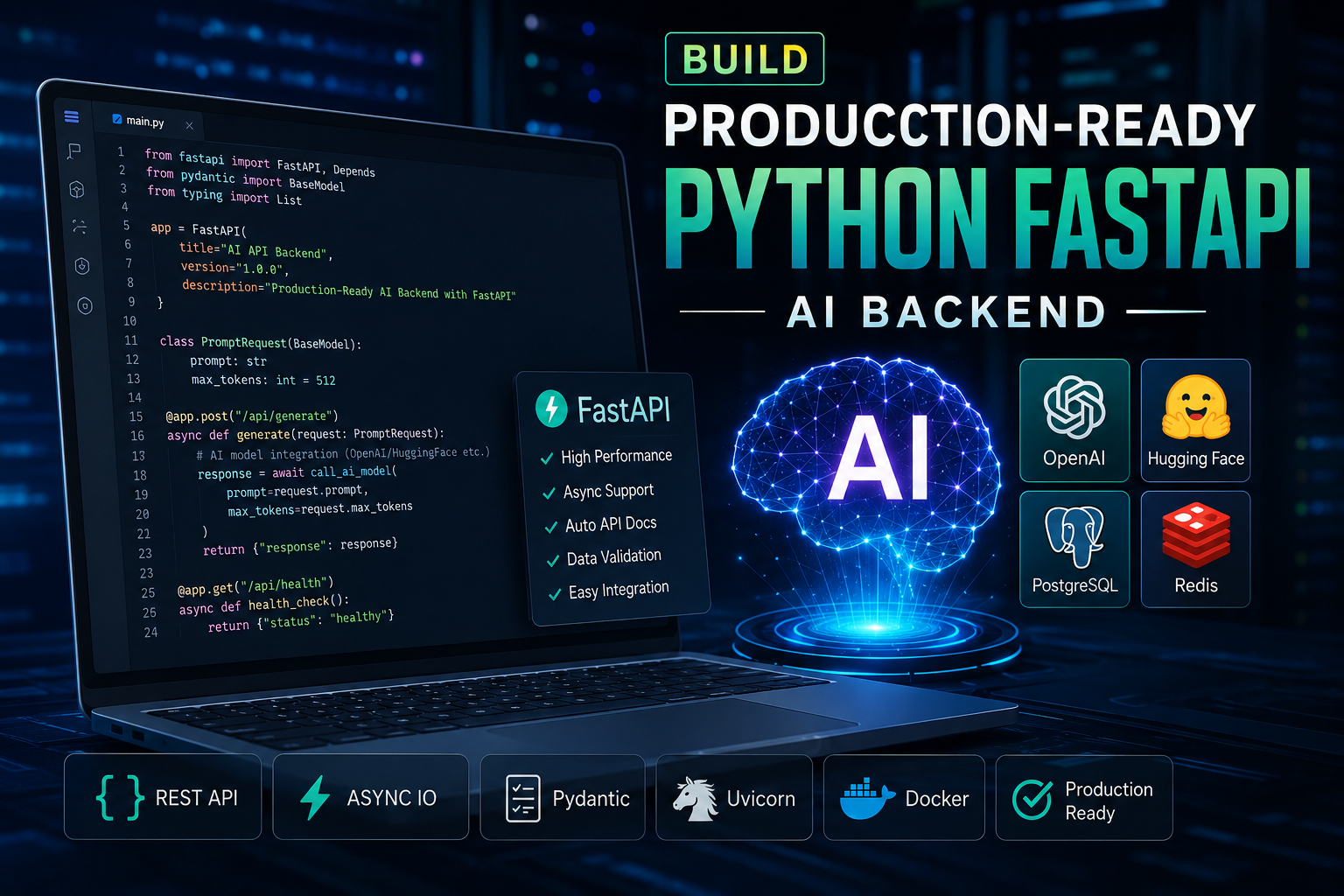
Build a Production-Ready Python FastAPI AI Backend
📌 Article Overview:
- Topic: Backend Infrastructure & Database Selection
- Prerequisites: Basic knowledge of SQL, NoSQL, and REST APIs
- Estimated Read Time: 6 Mins
Learning how to build a python fastapi ai backend is essential when modern software development shifts towards intelligent automation… As modern software development shifts towards intelligent automation, building a scalable backend capable of handling heavy AI workloads is critical. While frameworks like Express.js and Go dominate traditional web services, Python remains the undisputed king for artificial intelligence and data-driven systems.
If you are looking to scale your infrastructure beyond simple scripts and want to deploy a robust, high-performance backend, combining FastAPI with modern AI agents is the ultimate approach. In this guide, we will break down how to design, structure, and deploy a production-ready Python AI backend cleanly and efficiently.
Before deploying your backend code to cloud providers, make sure your frontend communication layers and environment variables are properly wired up. If you are starting from scratch and want a comprehensive roadmap on setting up your infrastructure, you can check out this complete guide on how to deploy an AI web app to streamline your workflow.
1. Setting Up the Production Environment
To ensure your application runs smoothly under heavy traffic, your environment setup must prioritize asynchronous performance and secure dependency management.
Use Poetry or Virtual Environments: Isolate your project dependencies properly to avoid version conflicts in production.
Asynchronous Server (Uvicorn / Gunicorn): Always run your FastAPI application using an ASGI server configured with multiple worker processes.
# Install FastAPI and Uvicorn
pip install fastapi uvicorn pydantic openai
2. Designing Your Python FastAPI AI Backend Architecture
A clean microservices architecture ensures that your AI processing logic doesn’t block standard database operations or API routing requests.
Asynchronous Endpoints (
async def): Use native Python async features to handle multiple simultaneous client requests while waiting for external AI API responses.Pydantic Validation: Strictly validate incoming and outgoing JSON payloads to prevent runtime crashes caused by malformed data structures.
from fastapi import FastAPI, HTTPException
from pydantic import BaseModel
import os

app = FastAPI(title="VoraWire AI Backend", version="1.0.0")

class AIRequestPayload(BaseModel):
    prompt: str
    max_tokens: int = 150

@app.post("/api/v1/generate-agent-response")
async def generate_response(payload: AIRequestPayload):
    try:
        # Core AI Agent integration logic goes here
        response_text = f"Processed agent execution for: {payload.prompt}"
        return {"status": "success", "data": response_text}
    except Exception as e:
        raise HTTPException(status_code=500, detail=str(e))
3. Managing State and Preventing Timeouts
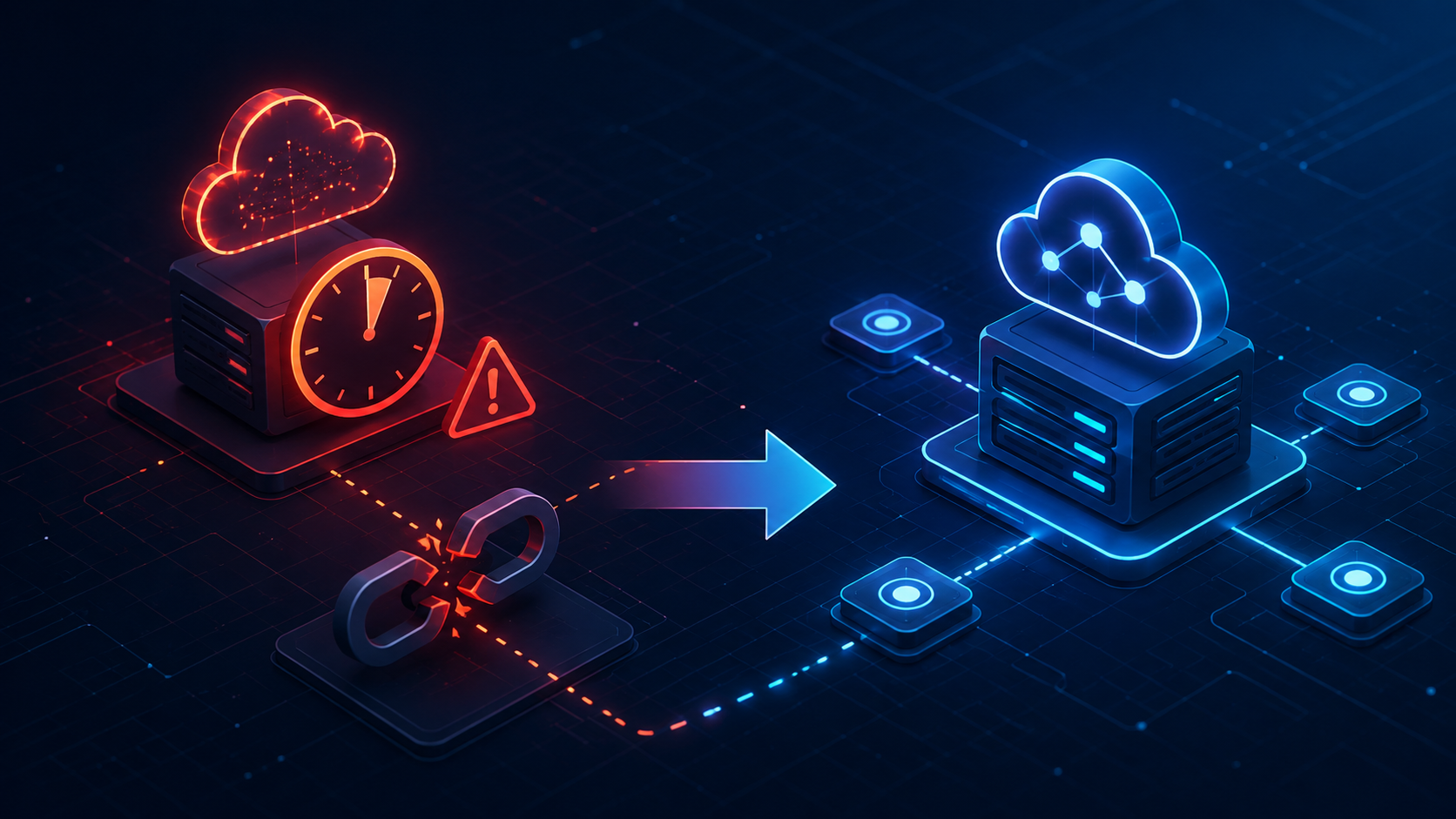
When building backends that interact with large language models or complex AI agents, execution times can occasionally breach standard gateway limits (such as Vercel or Serverless limits).
Implement Connection Pooling: Ensure database and external HTTP client connections are reused across requests.
Background Tasks: For long-running agent loops, offload execution to background worker queues (using Celery or Redis) instead of holding open HTTP connections.
While running local services or managing multiple backend microservices during development, port conflicts are a common headache that can halt your workflow. If you ever encounter port binding collisions or address already in use errors on your local machine or server, you can follow this quick troubleshooting guide on how to fix port 3000 EADDRINUSE error in Node.js to quickly clear out stuck background processes.
4. Production Deployment & Optimization
Once your code is clean and tested locally, follow these steps to push it live safely:
Environment Security: Never hardcode API keys. Store them securely using environment variables (
.env) and inject them via your cloud provider’s dashboard.CORS Configuration: Restrict cross-origin resource sharing to only trusted frontend domains to safeguard your API endpoints.
Reverse Proxy (Nginx/Cloudflare): Route traffic through Cloudflare or an Nginx proxy to handle SSL termination, DDOS protection, and caching layers efficiently.
Conclusion
Building a high-performance Python AI backend requires more than just functional code—it demands strict architecture, robust error handling, and asynchronous optimization. By leveraging FastAPI and proper microservices structuring, you can scale your application effortlessly to meet modern developer demands. Mastering these backend strategies will elevate your development workflow and overall site performance.

2 thoughts on “Build a Production-Ready Python FastAPI AI Backend”